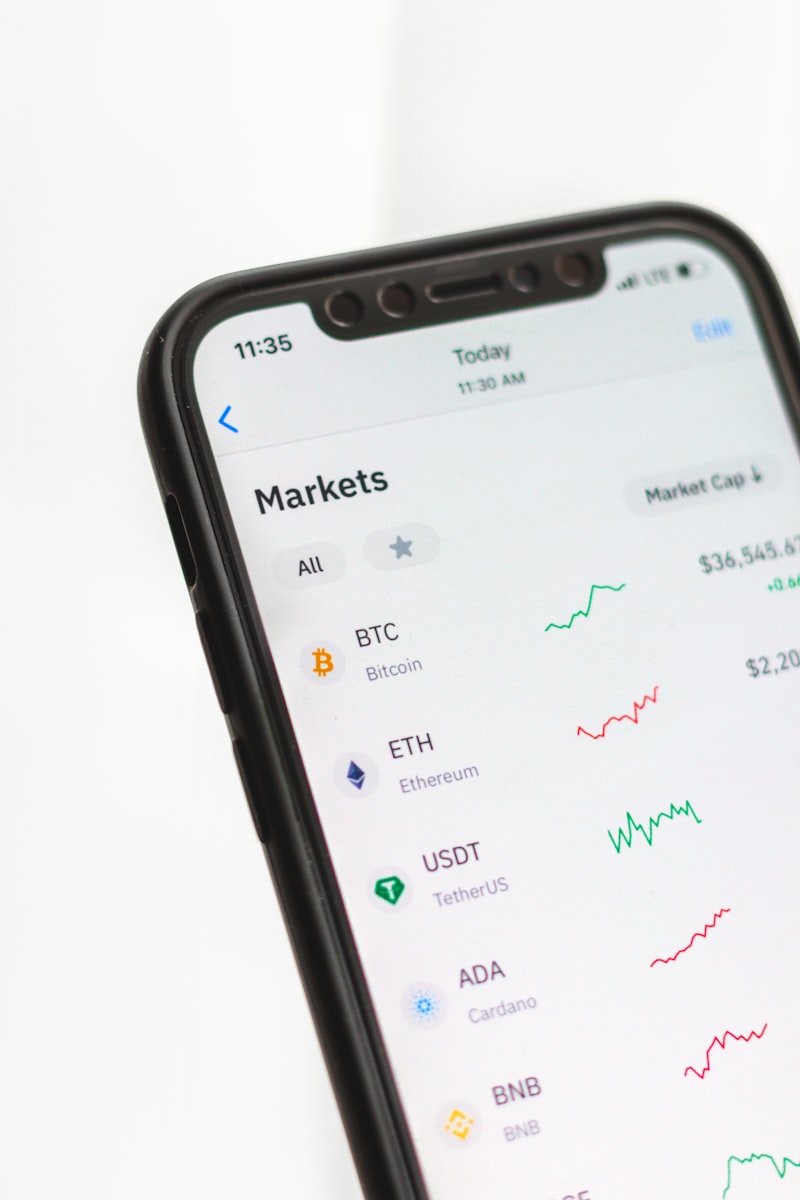
Why USDT on BNB Smart Chain?
BNB Smart Chain offers sub-cent transaction fees and near-instant finality, making it one of the most practical chains for real-world payment processing. USDT (Tether) is the world's most liquid stablecoin, meaning your customers can pay without worrying about volatility.
Paychainly sits on top of this infrastructure and handles all the complexity — wallet generation, deposit detection, fund sweeping, and webhook delivery — so you can focus on building your product.
Step 1: Create Your Account
Sign up at paychainly.com, complete the onboarding, and you'll land on the dashboard. Your first API key is automatically generated.
Step 2: Get Your API Key
Navigate to Dashboard → API Keys and copy your key. Keep it secret — it authorizes all payment operations on your account.
Step 3: Create a Payment Session
Send a POST request to /api/v1/addresses/start-session with your customer ID and amount:
curl -X POST https://paychainly.com/api/v1/addresses/start-session \
  -H "x-api-key: YOUR_KEY" \
  -H "Content-Type: application/json" \
  -d '{"userId": "customer-123", "amount": 50}'
You'll receive a unique deposit address that's monitored for exactly 20 minutes.
Step 4: Listen for Webhooks
Configure your webhook URL in the dashboard. When a deposit is confirmed, Paychainly fires a deposit_detected event with an HMAC-SHA256 signature you can verify:
const sig = req.headers['x-signature'];
const expected = hmacSha256(webhookSecret, payload);
if (sig !== expected) return res.status(401).end();
Next Steps
Explore the API Playground to test endpoints live, or read our webhook documentation to handle edge cases like partial payments and retries.